Digital Rights Management (DRM) uses technology to manage who can access digital media and under what conditions. In common media DRM, content is encrypted and a license or key lets a compatible player decrypt it under defined rules. DRM can restrict access or use; it does not guarantee that every copy or recording is impossible, and it does not establish who owns the copyright. For copyright basics, see copyright protection for digital content.
Related video from YouTube
How DRM Works
DRM encrypts digital content, making it unreadable without a decryption key. Users must obtain a license or key from the DRM system to access the content within specified limitations.
| Step | Description |
|---|---|
| 1 | Digital content is encrypted |
| 2 | User requests access |
| 3 | DRM system verifies user’s rights |
| 4 | If authorized, a decryption key is provided |
| 5 | User can access content within set limitations |
Benefits of DRM
| Benefit | Description |
|---|---|
| Protect Intellectual Property | Can make unauthorized copying and distribution harder, but not eliminate it |
| Maintain Revenue Streams | Can support revenue models, but does not guarantee earnings |
| Enable Business Models | Allows flexible pricing and distribution options |
Limitations of DRM
| Limitation | Description |
|---|---|
| User Experience | Can inconvenience users; questions about fair use and legal rights depend on applicable law |
| Compatibility Issues | May not work across all devices or platforms |
| Circumvention | Determined individuals may bypass restrictions |
DRM is used in various industries like media, publishing, software, and gaming to protect intellectual property and maintain revenue. As technology evolves, DRM solutions must balance content protection with user experience and fair use.
Defining DRM
What is DRM?
Digital Rights Management (DRM) is a technology that controls how digital content like e-books, videos, music, and software is accessed and used. Its main purpose is to prevent unauthorized copying or sharing of copyrighted materials. With DRM, content owners can:
- Restrict access to their digital content
- Set time limits for access
- Limit the number of devices or users
- Track how the content is being used
DRM vs. watermarking, monitoring, and timestamps
These tools can support content protection, but they do different jobs. The World Intellectual Property Organization (WIPO) distinguishes rights-management information, such as watermarks and timestamps, from technological measures such as encryption and access controls. A package can combine them, but a watermark, monitoring service, or timestamp does not by itself control whether a media player can decrypt or play a file.
| Tool | What it does | What it does not do by itself |
|---|---|---|
| DRM access control | Uses encryption and a license or key to apply access and use rules in a compatible player. | Guarantee that every recording or reuse can be prevented, or decide whether a rule is lawful. |
| Digital watermark | Embeds visible or less-visible information that can identify or help trace a copy. | Encrypt the media, deny access, or issue and revoke a playback license. |
| Piracy monitoring | Looks for suspected copies or uses online; a separate notice-and-takedown process may seek removal. | Stop playback at the original source. Removal depends on the relevant service and applicable process. |
| Timestamp or ownership record | Records information about a work or its state at a particular time, which may help document a timeline. | Control access or, on its own, settle copyright ownership or the legal weight of evidence. |
ScoreDetect offers content and brand monitoring, an infringement-detection web crawler, automated takedown notifications, invisible watermarking, and blockchain timestamping. Those services can help identify, trace, or document possible misuse; they are adjacent to DRM, not substitutes for media encryption and license-based access control.
Types of DRM Systems
There are different types of DRM technologies designed to protect various digital content:
- Encryption-based DRM: Encrypts the content, making it unreadable without a decryption key.
- License-based DRM: Requires users to obtain a license or key to access the content, which can expire or be revoked.
- Cloud-based DRM: Stores content in the cloud and controls access through a cloud service.
Encryption, licenses, and access rules are the parts that enforce DRM restrictions. Watermarks and records may be used alongside a DRM system, but are not access-control systems on their own.
How DRM Works
Protecting Digital Content
DRM technology protects digital content from unauthorized access and copying. It does this through encryption and access control.
Encryption and Decryption
1. Encryption: The digital content is scrambled or encoded using an encryption algorithm. This makes the content unreadable without a special key.
2. Decryption: When a user requests access, the DRM system verifies their credentials. If authorized, it provides a decryption key to unscramble the content, allowing the user to view or use it.
Access Control and Licenses
| Step | Description |
|---|---|
| 1 | A user requests access to protected digital content. |
| 2 | The DRM system checks with a license server to verify the user’s credentials and permissions. |
| 3 | If authorized, the license server issues a license or decryption key to the user. |
| 4 | The user can then access and use the content within the specified limitations. |
The system compares an access request with its license rules and, if approved, supplies a license or key to a compatible client. This can restrict access, but cannot guarantee that every recording or later redistribution is prevented.
sbb-itb-738ac1e
Common DRM Technologies
FairPlay, Widevine, and PlayReady are examples of DRM implementations. The examples below explain the role of encryption and licenses; they are not vendor recommendations.
Apple FairPlay
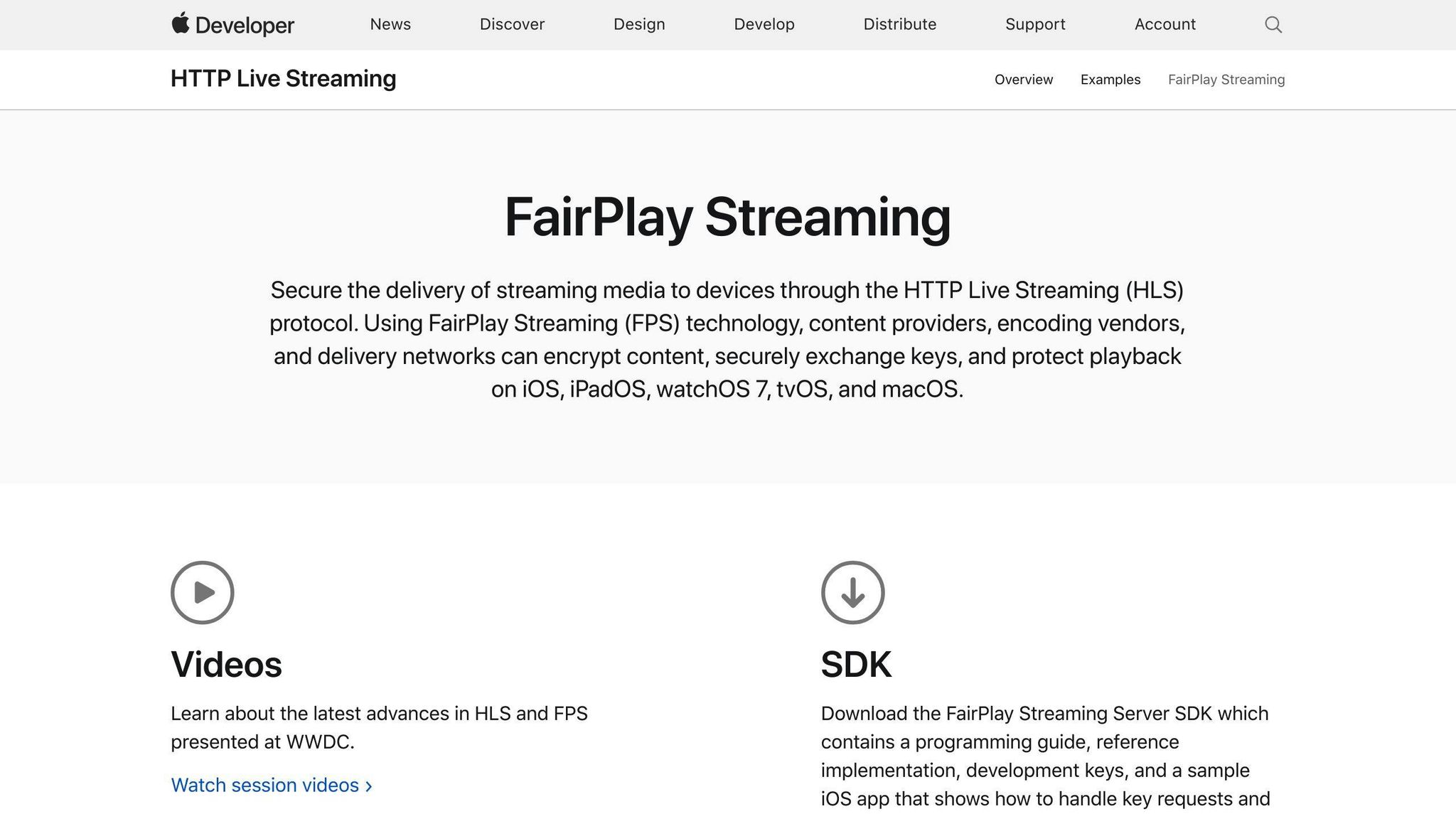
Apple describes FairPlay Streaming as a way for content providers, encoding vendors, and delivery networks to encrypt media, securely exchange keys, and protect playback on Apple platforms. The linked Apple documentation covers its implementation.
Google Widevine
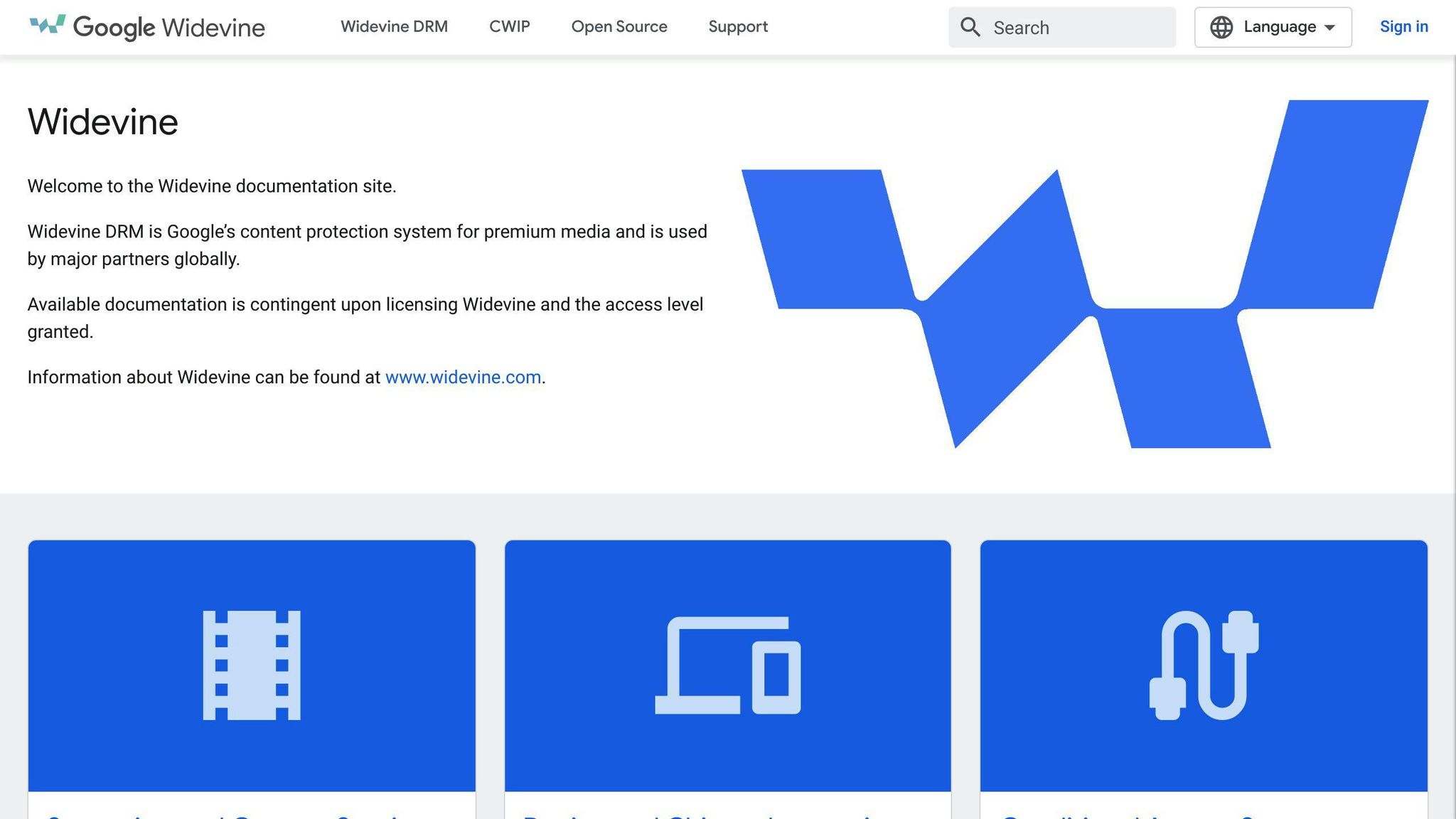
Google describes Widevine as its DRM system for premium media. Its overview, last updated October 9, 2024, lists partners including:
Google’s Widevine overview includes a platform-support matrix and license-service details, but is dated October 9, 2024. It is not presented here as a current compatibility list.
Microsoft PlayReady
Microsoft explains that a PlayReady license server authorizes playback by returning the key for encrypted media along with the rights and restrictions that govern playback. See Microsoft’s PlayReady license-server documentation for the described request flow.
| Example | Published by | Verified function |
|---|---|---|
| Apple FairPlay Streaming | Apple | Encrypts streaming media, exchanges keys, and protects playback on Apple platforms. |
| Widevine | Uses encrypted media and a license service; client and platform support depend on integration. | |
| PlayReady | Microsoft | Returns a key plus playback rights and restrictions in a license response. |
These examples illustrate the shared access-control pattern, not a ranking. Compatibility, licensing, and deployment details vary; no provider is recommended here.
Benefits of Using DRM
DRM can help content owners apply access and use rules to digital media. Its benefits depend on the system and license terms: it cannot guarantee revenue, prevent every infringement, or by itself establish compliance with copyright law.
Protecting Copyrighted Work
Encryption and license checks can make access and ordinary copying more difficult for users who lack permission. They do not stop every form of capture or redistribution, and using DRM does not itself prove who owns the work.
Generating Income
A license can support a business model such as paid, subscription, pay-per-view, or time-limited access by applying the relevant permissions. DRM implements access rules; it does not guarantee sales or determine the right price.
Copyright Law Compliance
DRM can apply technical restrictions that reflect a license or distribution policy. It does not decide whether those terms comply with applicable law or eliminate the need to assess copyright obligations.
Enhancing User Experience
For legitimate users, a clear license and supported player can make access predictable. The experience still depends on device compatibility, license availability, and the service’s rules; DRM can also prevent access when a check fails or a license expires.
| Benefit | Description |
|---|---|
| Protecting Copyrighted Work | Can make unauthorized access or ordinary copying harder, but cannot prevent every capture or prove ownership |
| Generating Income | Can support paid or time-limited access; does not guarantee revenue |
| Copyright Law Compliance | Can implement license rules; does not establish legal compliance |
| Enhancing User Experience | Can make permitted access more predictable when the player and license work |
| Flexible Pricing Options | Allows for subscription models, pay-per-view, timed access, and flexible pricing |
Drawbacks and Challenges of DRM
While DRM offers benefits, it also presents some limitations that can impact the user experience, compatibility, and raise privacy concerns.
User Access Restrictions
DRM can limit how users access or use media, including transferring it or playing it on an unsupported device. Technical restrictions and legal permissions are not the same question: for more on fair use and legal rights, consider the applicable law as well as the service’s license.
Device and Platform Compatibility Issues
A protected file may require a compatible player, device, account, or license service. If one is unavailable or unsupported, access can fail even when the user is otherwise entitled to view the content.
Privacy Concerns
Some DRM implementations require account, device, or license-server checks. What information is collected and how it is handled depends on the system and its privacy terms; DRM should not be assumed to monitor all user behavior.
Implementation and Maintenance Costs
Implementing and maintaining DRM systems can be costly and resource-intensive. Content creators and distributors must invest in DRM technology, infrastructure, and personnel to manage and update their DRM solutions. These costs can be prohibitively expensive, especially for smaller content creators or independent publishers.
Performance Impact
Additional authentication or license checks can add points of failure or delay. The effect on performance depends on the particular system, device, and network; it is not the same for every DRM implementation.
| Limitation | Description |
|---|---|
| User Restrictions | Can limit uses; legal rights depend on applicable law |
| Compatibility Issues | Doesn’t work across all devices and platforms, causing inconvenience |
| Privacy Concerns | Data collection varies; some systems require account, device, or license checks |
| Implementation Costs | Requires significant investment in technology, infrastructure, and personnel |
| Performance Impact | Can cause slow loading times or errors, leading to frustration |
DRM in Various Industries
Media and Entertainment
DRM is used to protect copyrighted content like movies, music, and videos. Streaming services like Netflix, Hulu, and Amazon Prime use DRM to ensure only authorized users can access their content. For example:
- Apple’s FairPlay DRM protects movies and TV shows on iTunes.
- Google’s Widevine DRM protects content on Google Play.
Publishing
In publishing, DRM protects e-books and digital publications. Many e-book platforms, such as Amazon Kindle and Apple Books, use DRM to restrict access to e-books and prevent piracy. This ensures authors and publishers receive fair compensation.
Software and Gaming
Game developers use DRM to ensure only authorized users can play their games. Software companies use DRM to restrict access to their applications. This prevents piracy and protects software licenses.
Enterprise and Government
In these sectors, DRM protects sensitive documents and data. It restricts access to confidential documents, ensuring only authorized personnel can view or edit them. This helps prevent data breaches and maintains information integrity.
| Industry | DRM Usage |
|---|---|
| Media and Entertainment | Protect copyrighted movies, music, videos |
| Publishing | Restrict access to e-books, prevent piracy |
| Software and Gaming | Prevent piracy, protect software licenses |
| Enterprise and Government | Restrict access to sensitive documents and data |
How related tools can support DRM
Records and detection are not access controls
Blockchain in content distribution and blockchain for copyright enforcement concern records and evidence, not the playback gate itself. A timestamp can help document what a file or record was at a point in time; it does not itself encrypt media, issue a playback license, or conclusively determine copyright ownership. Similarly, a watermark can help identify or trace a copy, while monitoring can locate suspected online uses. These tools can complement access-control DRM, but do not replace it.
Balancing Protection and User Experience
Where access restrictions are needed, DRM can be used alongside—not instead of—watermarking, monitoring, and evidence records. Decide what the problem is first: controlling playback requires encryption and license enforcement; finding circulating copies or documenting a file calls for different tools.
For example, a DRM system may restrict access to a stream while separate monitoring looks for unauthorized copies and a timestamp helps preserve a record. The roles remain distinct even when an organization uses the tools together.
| Adjacent tool | Useful for | Does it enforce media access? |
|---|---|---|
| Watermark | Identifying or tracing a copy | No, not by itself |
| Monitoring | Finding suspected online copies | No |
| Timestamp | Recording a file or record at a time | No |
| Reader’s need | Relevant function |
|---|---|
| Restrict who can play protected media | Encryption, license, and access control |
| Trace where a marked copy appears | Watermarking and monitoring |
| Document a work’s state at a time | Timestamp or evidence record |
Conclusion
DRM is the access-control layer: encryption, license rules, and a compatible player determine whether protected media can be opened under specified conditions. Watermarking, piracy monitoring, and timestamping can support identification or documentation, but none of them is a substitute for those controls.
A blockchain timestamp or other evidence record may be relevant when documenting a work or a suspected misuse, but it does not grant or enforce playback rights by itself.
| Technology | DRM Impact |
|---|---|
| Blockchain timestamp | May record evidence; does not itself enforce playback licenses |
| License server | Issues a key and applies the defined playback rights |
| Consideration | Description |
|---|---|
| Content Protection | Safeguarding intellectual property |
| User Experience | Allowing fair use, device compatibility |
| Balanced Approach | Respecting rights while promoting productivity |
FAQs
What is a DRM problem?
A DRM problem is an access or license issue—for example, a compatible player cannot obtain or validate the license needed to decrypt protected media. It can also refer to restrictions on devices or permitted uses. DRM can limit access, but does not guarantee that all copying is impossible.
How does DRM work on ebooks?
An ebook DRM system can encrypt the file and require an account, license, or key before a compatible reader opens it. The rules may also limit supported devices or uses. Exact behavior depends on the platform and license.
How does digital rights management affect multimedia content distribution?
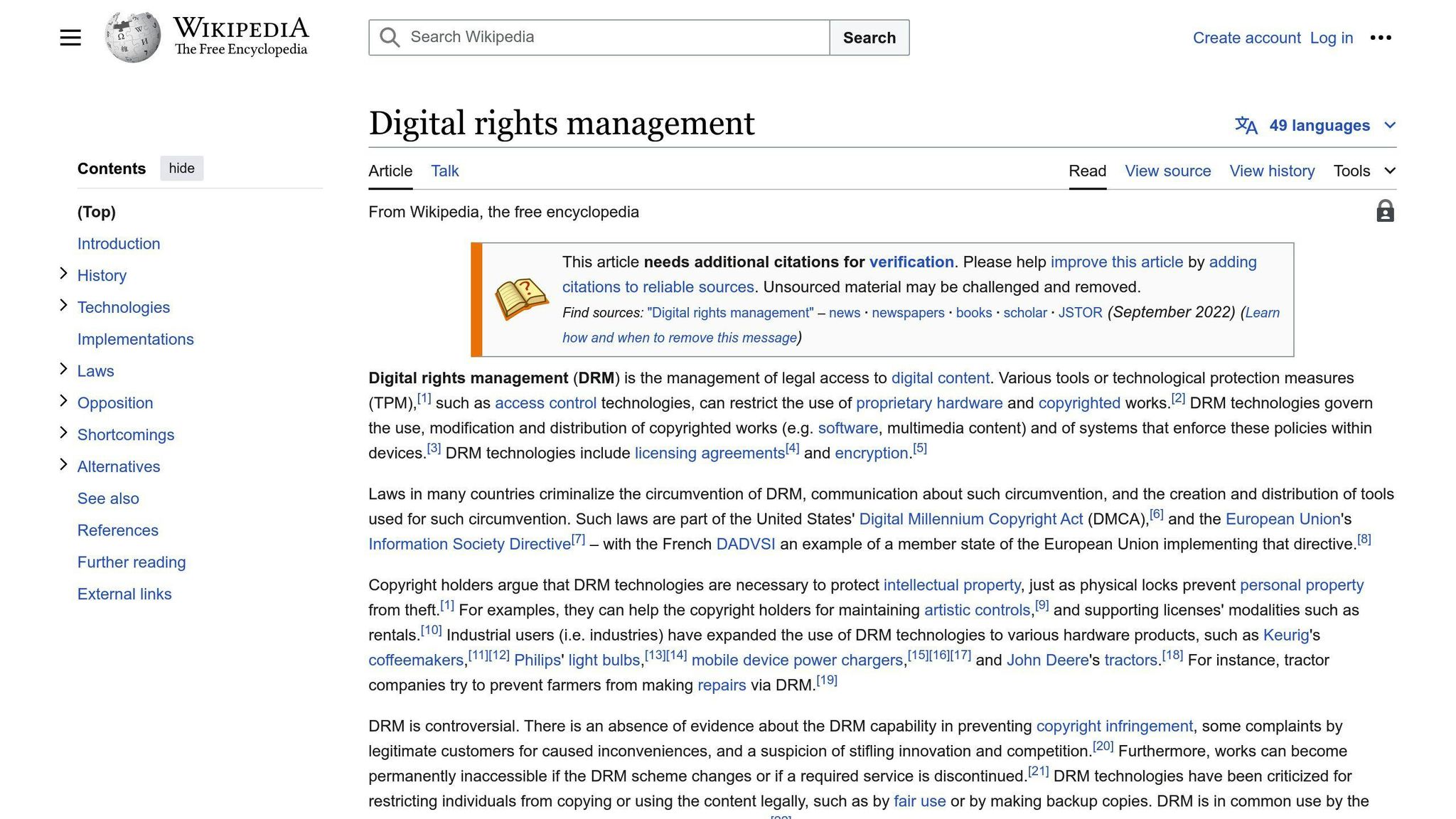
For multimedia, DRM can use encryption and license checks to restrict playback to approved clients and conditions. It can make unauthorized access harder, but does not prevent every form of recording or redistribution, and does not itself determine copyright compliance.
| DRM Impact | Description |
|---|---|
| Content Access | Restricts copying or limits devices for access |
| Ebook Protection | Encrypts ebook files to prevent unauthorized access |
| Multimedia Distribution | Can restrict playback and make unauthorized access harder, but cannot prevent every copy |
| Copyright Compliance | Can implement access rules; does not establish compliance or prevent all piracy |