For digital archives, choose a fixity tool by the job: use BagIt packages to validate transfers, a monitoring tool such as Fixity Pro to check stored files over time, or a hashing utility such as QuickHash-GUI for manual comparisons. A checksum can show that a file differs from a trusted reference; it does not explain the cause or repair the file.
Start with a known-good checksum, retain the value and its algorithm, and compare future checks against that reference. The digital archive preservation primer explains how fixity fits into a wider preservation plan.
- Package and validate a transfer: use the BagIt format with a suitable implementation such as BagIt-Python.
- Monitor files over time: consider Fixity Pro, while checking its current service dependency and the maturity of its successor.
- Check files by hand: use QuickHash-GUI or a command-line hashing utility.
- Keep a recovery path: a mismatch calls for investigation and, where available, restoration from a verified copy.
Watch how BagIt supports digital transfers
This video introduces BagIt and its role in preserving digital-file integrity.
Which fixity tool fits your task?
| Task | Tool or approach | What it does | Limitation to check |
|---|---|---|---|
| Package and validate a transfer | BagIt-Python | The Library of Congress describes it as a Python library and command-line utility for creating and validating BagIt packages. A bag carries files with manifests used for integrity checks. | BagIt is a package format, not a standalone preservation system. BagIt-Python requires Python; plan how you will store manifests and retain logs. |
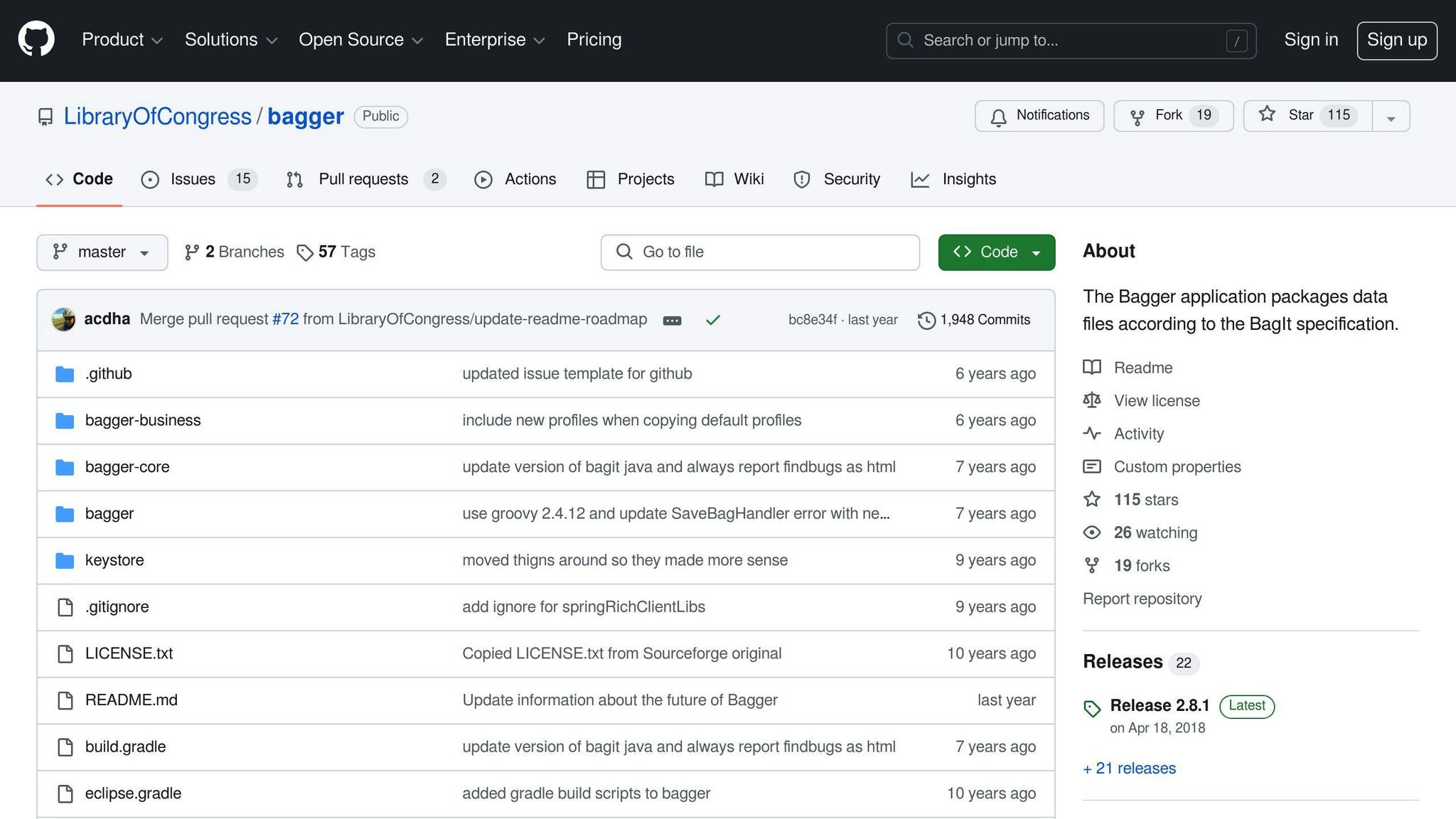
| Create BagIt packages with a graphical interface | Bagger | The Library of Congress describes Bagger as a graphical application for creating BagIt packages. | The project repository says the Library of Congress is reviewing Bagger’s future. Check whether its current release and support status suit your workflow before depending on it. |
| Schedule checks of stored files | Fixity Pro | Its current site describes scheduled scans and reports for changed, added, removed, moved, or renamed files. It says the existing software is free to use. | The site says the existing application still needs a subscription-validation service, which the Open Preservation Foundation continues to run. OpenFixity, its open-source successor, is marked alpha; assess that maturity before adopting it for production. |
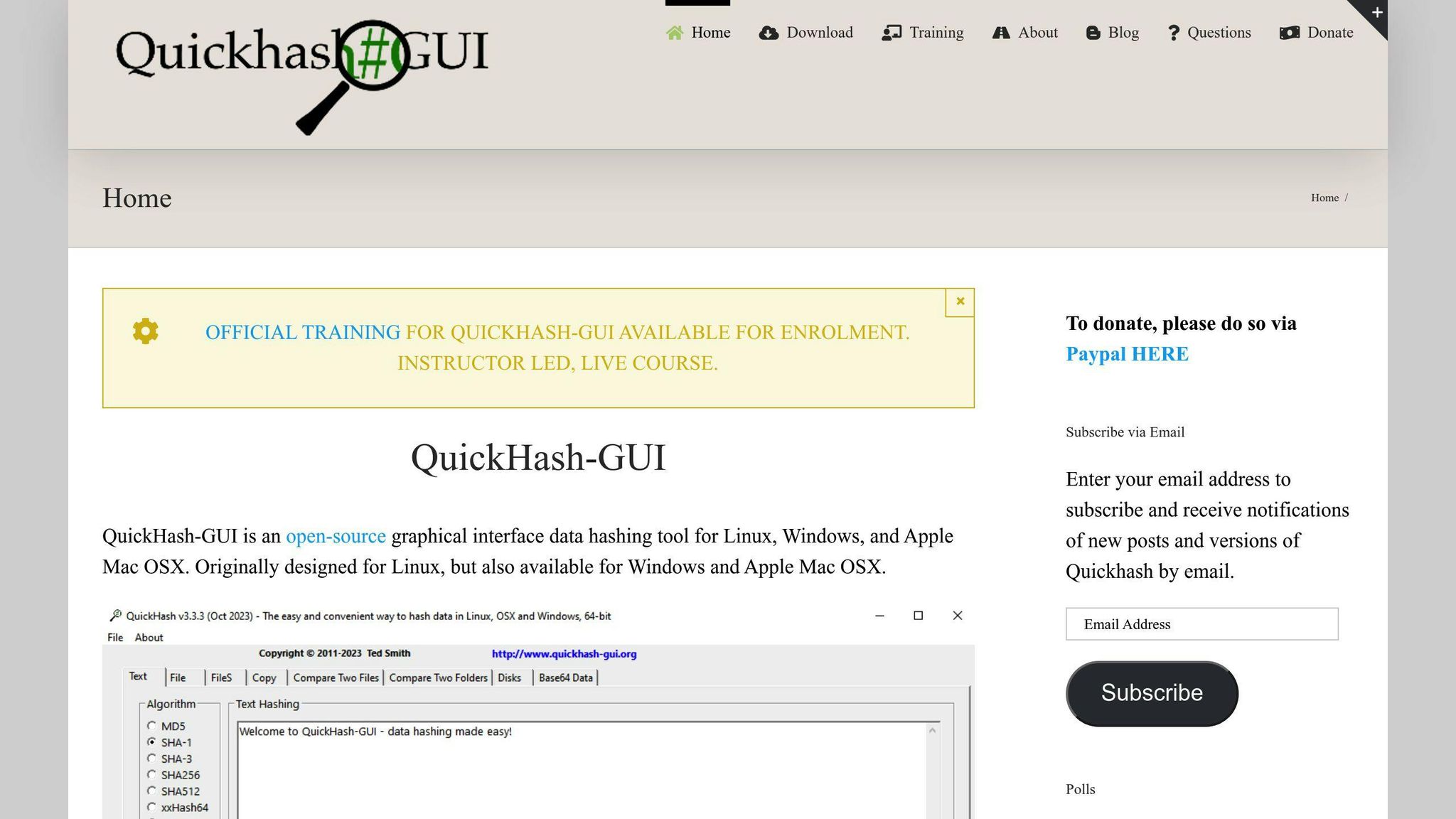
| Calculate or compare hashes manually | QuickHash-GUI | The official site describes an open-source graphical hashing tool for Windows, Linux, and macOS, with several hash algorithms. | Its homepage presents hashing functions; compare its workflow with your needs if you require scheduled collection-wide monitoring and records of each check. |
| Run individual or scripted checks | Command-line utilities such as md5sum and shasum |
The University of the Free State guide notes that Unix checksum commands can be used at the command line and incorporated into scripts. | You need to manage the reference values, compare results, and keep a record of checks yourself or through your surrounding workflow. |

BagIt is a specification for packaging digital files, not a single application. The Library of Congress lists BagIt, Bagger, and BagIt-Python among its digital-preservation tools. Its BagIt transfer presentation describes bags as structured containers with machine-readable metadata and inventory checks. For a scripted workflow, BagIt-Python can create a bag and validate it; for a desktop workflow, Bagger provides a graphical interface, but its project status warrants a current suitability check.
When does Fixity Pro make sense?
Fixity Pro is aimed at ongoing checks of files in locations such as a computer, removable storage, or mounted network storage. The Open Preservation Foundation’s site says scheduled scans and email reports can flag files that have changed, appeared, disappeared, moved, or been renamed. It also says Fixity Pro is free to use. AVP’s 2020 release announcement is historical; use the current Open Preservation Foundation site for today’s status.
There is an important maintenance distinction: the same site says the current Fixity Pro software still depends on a subscription-validation service, which the Foundation continues to operate. OpenFixity is described as the open-source successor and is currently in alpha. Treat those as separate options: confirm that the existing application’s service dependency fits your continuity needs, and do not assume an alpha successor is production-ready.

When is QuickHash-GUI a better fit?
QuickHash-GUI is a graphical way to calculate and compare hashes when you are checking a file, a transfer, or a set of files directly. Its official site lists Windows, Linux, and macOS and supports algorithms including SHA-256 and SHA-512. Use the same algorithm for both sides of a comparison; a hash from one algorithm cannot be compared as though it were the output of another.
Algorithm choice depends on the threat you need to address. The Digital Preservation Coalition says MD5 can be sufficient for detecting accidental loss or damage, while a stronger algorithm such as SHA-256 may be appropriate when resistance to deliberate alteration matters. Protect the trusted reference separately; a digest is only useful when the reference itself is reliable.
For simple command-line checks, md5sum and shasum can be useful where those commands are available. The University of the Free State guide describes these as command-line options that can also be used in scripts. Whichever utility you choose, save the original checksum somewhere protected and record which algorithm created it.
Are older checksum utilities still worth considering?
Older tools may fit a specific environment, but their download and support status matters as much as their feature list. The University of the Free State’s fixity guide lists MD5summer and md5deep/hashdeep among checksum tools. The current MD5summer download page lists version 1.2.0.11 as released in 2006; SourceForge lists hashdeep’s last update as July 24, 2015. Treat these as legacy candidates: check operating-system compatibility, security requirements, and maintenance expectations before using them for a new archive workflow.
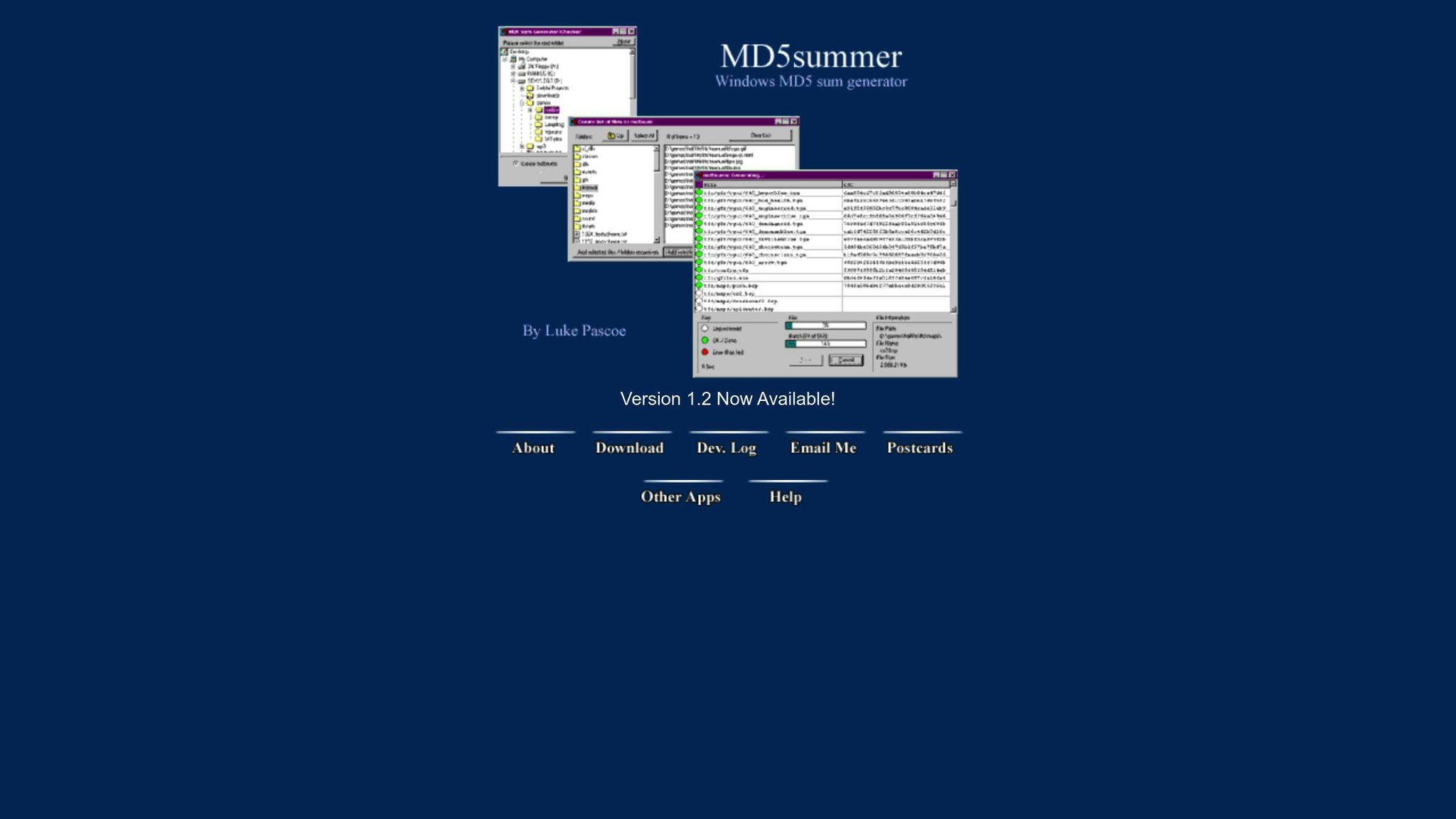
MD5summer’s official homepage describes it as a Windows MD5 generator and verifier; its download page lists version 1.2.0.11 as released in 2006. Test compatibility rather than assume it will suit a current system.
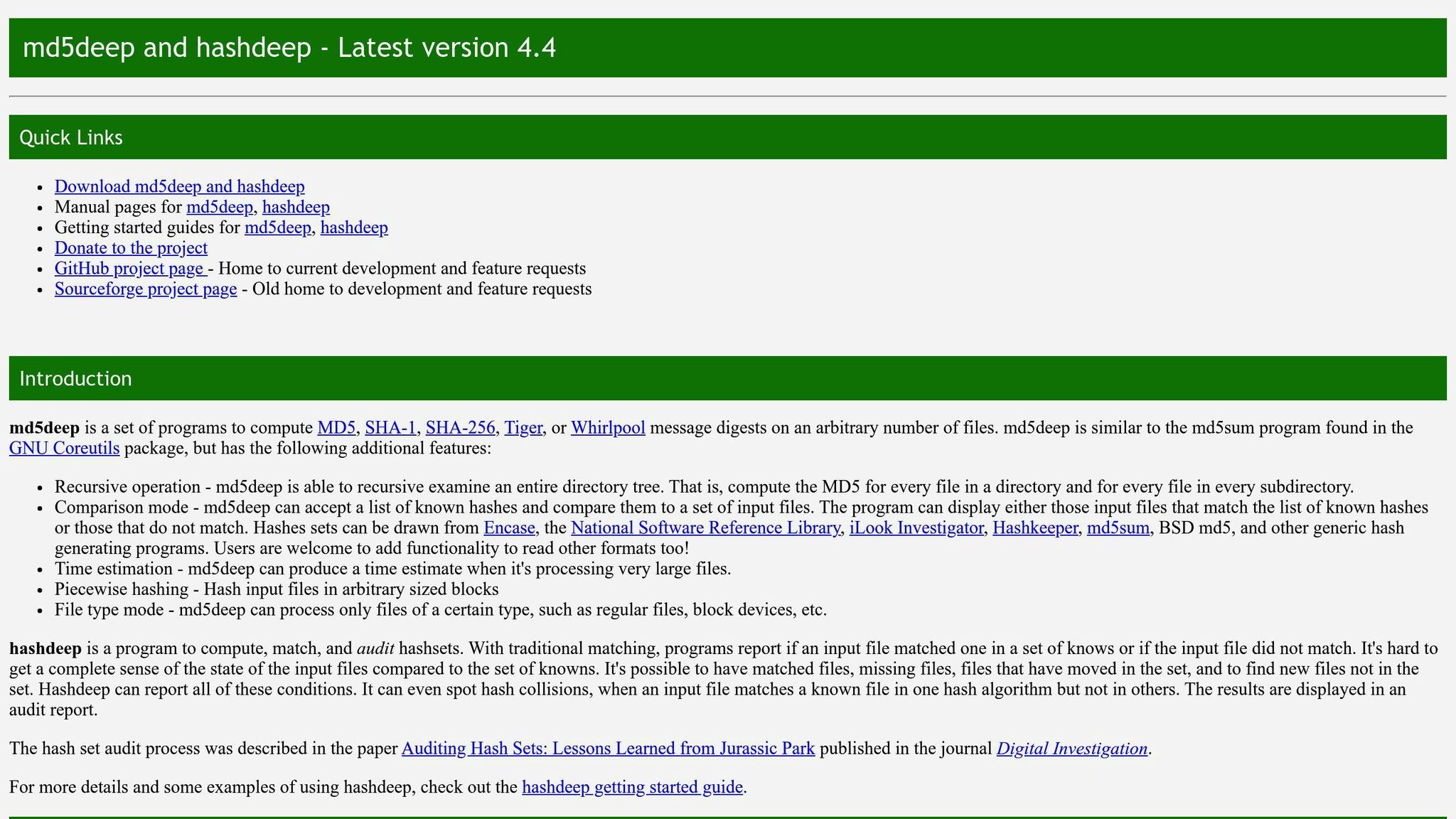
The old md5deep project address currently leads to SourceForge’s general Windows cryptography listing, not a dedicated hashdeep page. SourceForge’s direct hashdeep project page describes command-line hashing, comparison, and recursive auditing, but shows an older last-update date. Check current releases and compatibility before making it part of a preservation plan.
Why ClamAV is not a fixity tool
ClamAV’s documentation describes an antivirus toolkit for detecting malware, not a checksum-based preservation-monitoring workflow. Malware scanning can complement preservation checks when screening incoming files, but it does not replace a trusted checksum baseline and later verification.
How to run a practical fixity workflow
A checksum is a fingerprint calculated from a file. A fixity check recalculates it and compares the result with a known-correct value. The Digital Preservation Coalition’s guidance on fixity and checksums describes checks for successful receipt and transfer, continued integrity in storage, and correct delivery to future users.
- Set a trusted baseline. On ingest, validate a supplied checksum only if its source is trusted independently of the files. A checksum received from the same untrusted source does not independently establish authenticity. If no trusted reference is available, calculate and record a baseline at a controlled point in ingest, including the value, algorithm, date, and relevant file or collection identifiers.
- Verify each transfer. Compare checksums before and after copying or moving a file. A BagIt manifest can travel with a package and be validated at its destination.
- Re-check stored files. Recalculate values and compare them with the trusted baseline. The Coalition says check frequency depends on storage type, maintenance, and use; it gives annual checks for tape and checks every six months for hard-drive systems as general guidance, not a universal schedule. More frequent checks use more processing and storage resources.
- Investigate a mismatch. A different checksum shows the file changed, but does not identify where or why. Check logs and other copies; if a known-good copy exists, use it to replace the changed file and verify the replacement.
- Create a new baseline after an intentional migration. A planned format migration changes file contents and therefore changes its checksum. Record a new reference for the migrated file rather than treating the expected change as accidental corruption.
The University of Melbourne’s fixity guide also recommends checking integrity after a move. For practical guidance on how hashing works, see how checksum algorithms protect digital content.
Keep the archive advice separate from business-content services
If you want to discuss ScoreDetect’s separate business-content verification service, you can book a call with ScoreDetect. It is not one of the digital-archive tools compared in this guide.